
RGB vs. MIPI TFT LCD: Which Interface Is Right for Your Embedded Display?
The Wrong Display Interface Could Cost More Than the Screen Itself.
You’ve found a TFT LCD with the right size, resolution and brightness.
But when your engineer connects it to the development board, nothing appears.
The problem might not be the display.
It could be an interface mismatch.
RGB and MIPI DSI are both widely used in embedded display systems, but they work differently.
Choosing the wrong interface can lead to additional hardware development, software changes and delays during product integration.
So which one should you choose?
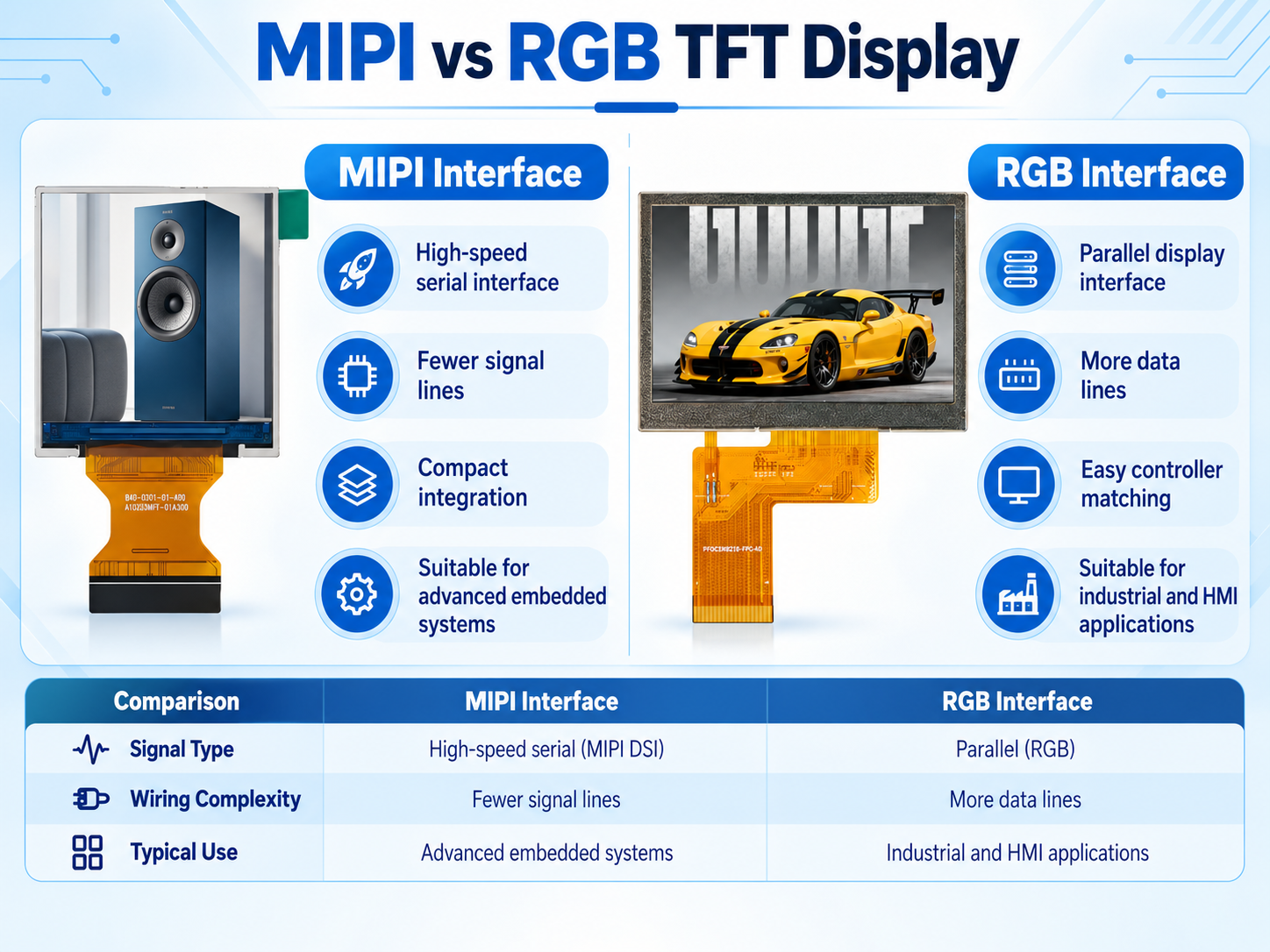
RGB or MIPI TFT LCD? Compare signals, connectors, compatibility and customization before choosing an embedded display.
01 | RGB TFT LCD: A Practical Choice for Embedded Systems
Parallel RGB transmits pixel data through multiple signal lines.
A typical RGB interface uses separate color data lines, a pixel clock and control signals.
It is a practical choice when the host processor already includes a compatible RGB LCD controller.
Key Advantages
- Direct pixel-data transmission
- Suitable for many industrial HMI applications
- Supported by various embedded LCD controllers
- Straightforward integration with compatible hardware
What to Check
Parallel RGB requires more signal lines and connector pins than MIPI DSI.
Engineers must confirm the pixel clock, synchronization timing, voltage levels and pin definitions.
Typical Applications: Industrial controllers, instruments, embedded HMI systems and equipment dashboards.
02 | MIPI TFT LCD: High-Speed Data, Fewer Signal Lines
MIPI DSI uses high-speed serial communication between the processor and display.
Instead of transmitting parallel pixel data through numerous separate conductors, MIPI DSI uses high-speed differential lanes.
This makes it suitable for compact and higher-bandwidth display designs when compatible host hardware is available.
Key Advantages
- Lower signal pin count
- High-speed data transmission
- Suitable for compact embedded systems
- Supports advanced graphical interfaces
What to Check
MIPI DSI requires compatible processor hardware, physical-layer support, lane configuration and display initialization.
A processor with only an RGB output cannot directly drive a MIPI DSI panel without suitable conversion hardware.
Typical Applications: Smart devices, embedded Linux products, compact HMI terminals and graphical control interfaces.
03 | RGB vs. MIPI: The Important Differences
Signal Transmission
RGB: Parallel pixel data with clock and control signals.
MIPI DSI: High-speed serial transmission over differential lanes.
Connector Requirements
RGB: Generally requires more signal connections.
MIPI DSI: Uses fewer high-speed signal connections but requires careful electrical design.
System Compatibility
RGB: Requires a compatible RGB LCD controller.
MIPI DSI: Requires a compatible DSI host and software configuration.
Software Integration
RGB: Primarily depends on display timing and frame-data output.
MIPI DSI: Also requires compatible protocol operation and panel initialization.
Neither interface is automatically better. The right choice depends on your existing hardware and application.
04 | Can You Change RGB to MIPI by Customizing the FPC?
Usually, no.
Changing FPC length, shape or connector position does not automatically change the display’s communication interface.
An RGB panel and a MIPI DSI panel require different electrical signaling.
An interface conversion may be possible with additional hardware, but that introduces new design and validation requirements.
Before requesting a modified display, confirm whether the LCD interface is compatible with your main board.
If only the FPC routing is unsuitable, targeted mechanical customization may be worth evaluating.
05 | How Future Display Supports Interface Selection
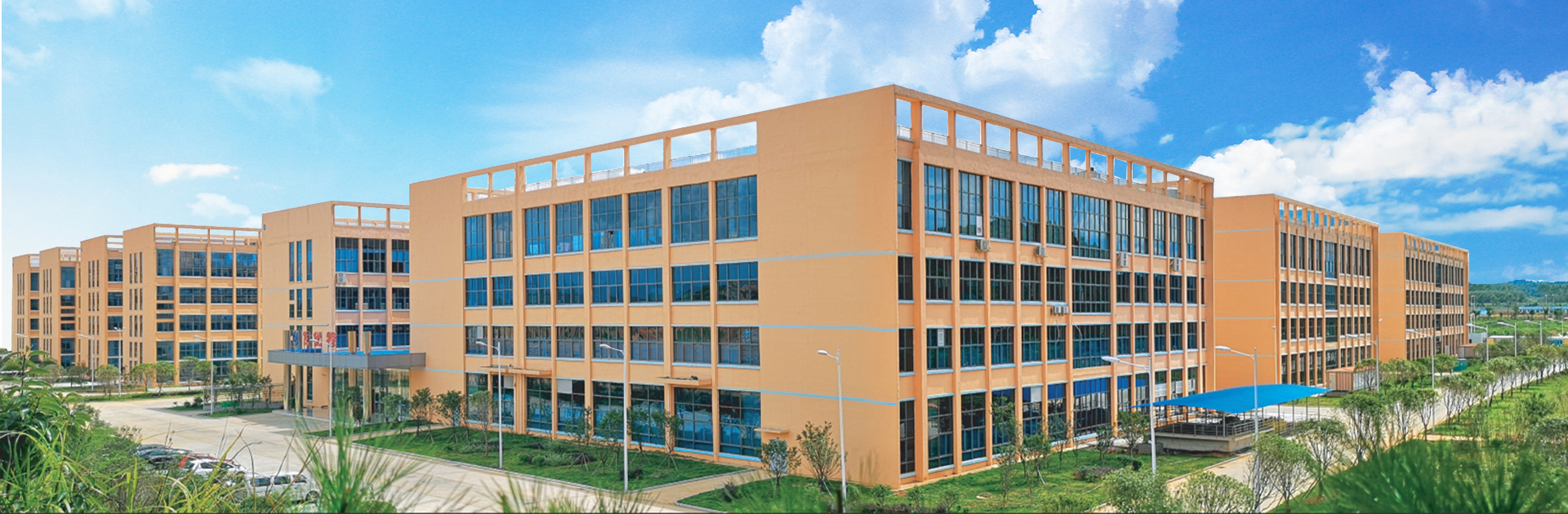
With 21 years of display manufacturing experience, Future Display supplies TFT LCD modules for different embedded applications.
Our product range includes modules using RGB, MIPI and other interfaces, depending on the model.
For example:
4.3-Inch TFT LCD
Model: FUT0430WQ07Q-ZC-A0
Resolution: 480 × 272
Interface: SPI + RGB
3.99-Inch TFT LCD
Model: FUT0399HD02B-LCM-A0
Resolution: 720 × 720
Interface: MIPI
Our team can help customers review:
- Display size and resolution
- Interface and driver IC
- FPC routing and connector requirements
- Mechanical integration
- OEM/ODM customization options
Available modifications depend on the selected display platform and engineering feasibility.
Don’t Choose Your Display Interface Last
The best time to confirm display compatibility is before finalizing the PCB and enclosure.
Already have a development board or an existing LCD module?
Share your processor model, interface requirements, current display specifications and mechanical drawings with Future Display.
Our team can help evaluate suitable TFT LCD options for your application.
The right display interface can make product integration easier. The wrong one can turn a small component decision into a larger redesign.
Future Display — Custom TFT LCD Solutions
Website: www.future-displays.com
Email: info@futurelcd.com
Post time: Oct-20-2026


